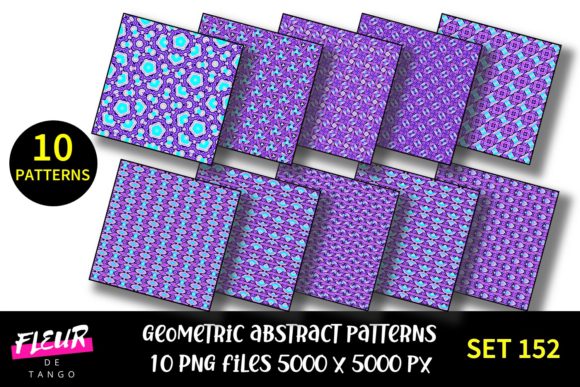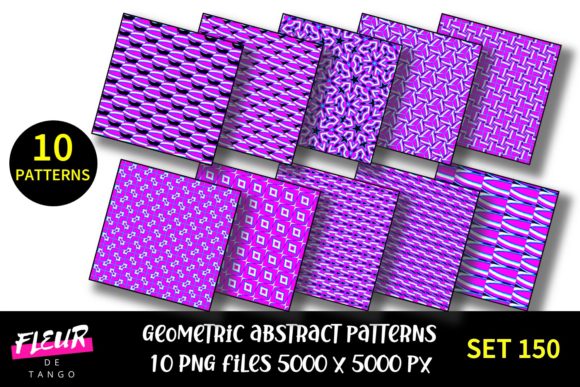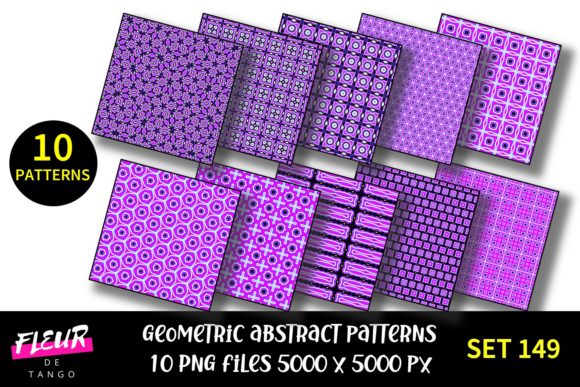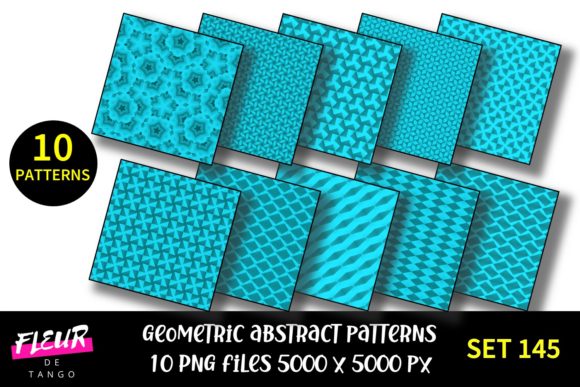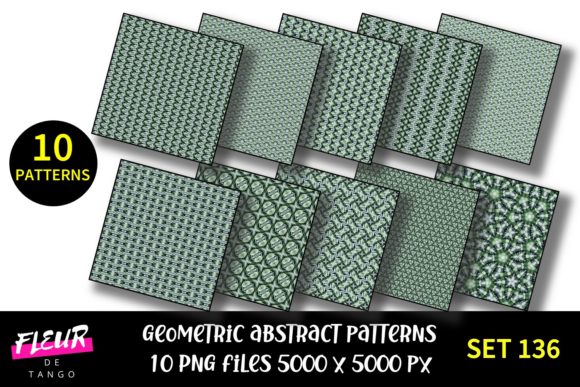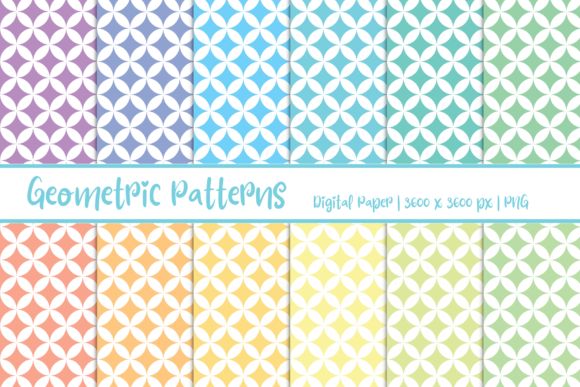
Geometric Patterns Digital Paper
Geometric Patterns Digital Paper refers to a category of high-resolution, scalable digital design assets—typically delivered as PNG, JPEG, or seamless tileable PDF files—that replicate the visual qualities and functional utility of physical patterned paper. Unlike static background images or generic textures, these files are intentionally crafted for precision, consistency, and versatility across both print and digital workflows. They’re not clipart or decorative overlays; they’re engineered surfaces—measured in DPI, aligned to grid logic, and built with repeat integrity in mind.
What Sets It Apart from Generic Backgrounds
Most free or low-cost “geometric backgrounds” lack technical rigor: inconsistent spacing, uneven line weights, non-tileable edges, or resolution limits that degrade when scaled. Geometric Patterns Digital Paper avoids those pitfalls by prioritizing production-grade specs. Files commonly ship at 300 DPI minimum, with vector-based origins or pixel-perfect raster rendering. Seamless tiling is standard—not an afterthought—so users can fill large-format prints or extend UI elements without visible seams or alignment artifacts.
Color fidelity matters too. Reputable collections use sRGB or CMYK profiles calibrated for cross-platform accuracy. That means a navy triangle motif appears consistent whether viewed on a MacBook Pro, printed on matte cardstock, or embedded in a Shopify product mockup. This reliability supports professional deliverables where brand continuity isn’t optional.
Practical Applications Across Roles
The value of Geometric Patterns Digital Paper emerges most clearly in context—not as a standalone item, but as a workflow accelerator. Here’s how different professionals integrate it:
- Graphic designers use it to build branded stationery systems—letterheads, business cards, and presentation decks—without rebuilding patterns from scratch each time.
- Educators and curriculum developers apply subtle hex-grid or isometric patterns to worksheets and slide templates, adding visual structure without overwhelming content.
- Small business owners layer geometric textures beneath product photography to create cohesive social media banners or Etsy listing previews—especially useful for handmade goods, ceramics, or stationery brands seeking tactile authenticity digitally.
- Bloggers and content creators embed these patterns into Canva or Figma layouts for newsletter headers, podcast show notes, or downloadable lead magnets—maintaining visual cohesion across touchpoints.
- UI/UX designers test subtle geometric overlays (e.g., low-opacity dot grids or linear gradients) to guide eye movement in dashboard wireframes or mobile app prototypes.
Crucially, these uses rely less on novelty and more on repeatability and control. A well-made Geometric Patterns Digital Paper collection gives users predictable outcomes—not just aesthetics.
Quality Indicators Worth Checking
Not all digital paper performs equally. Before adopting a set, assess these practical markers:
- Tile integrity: Open the file in Photoshop or Affinity Photo, duplicate the layer, and offset by 50%. No misalignment, doubling, or ghosting at the seam indicates robust tiling.
- Resolution scalability: Zoom to 400% in a layout tool. Crisp edges and uniform stroke weights suggest intentional raster optimization—or better yet, vector source files included.
- Color consistency: Compare swatches across multiple files in the same collection. Variance greater than ±3% in LAB values often signals inconsistent export settings.
- File organization: Look for logical naming (e.g., gp-triangle-03-cyan-300dpi.png) and grouped variants (light/dark versions, monochrome/color, 1x/2x resolutions). This reduces friction during bulk import.
These aren’t theoretical concerns—they directly affect output speed, client revisions, and final print fidelity. A single misaligned tile in a 24″ × 36″ poster can require hours of manual correction.
Flexibility Without Compromise
Geometric Patterns Digital Paper excels where rigid templates fall short. Because it’s asset-based—not locked into a specific software or layout engine—it adapts to real-world constraints. You can:
- Apply it as a clipping mask over photography in Lightroom or Capture One to unify disparate product shots.
- Use it as a base layer in Notion or Obsidian for custom dashboard backgrounds—no plugin required.
- Convert it to CSS background-image with
repeatfor lightweight web design experiments. - Import into Procreate or Adobe Fresco as textured brushes for hand-drawn illustration overlays.
This interoperability stems from format neutrality—not marketing claims. A 300 DPI PNG behaves the same in InDesign as it does in Figma because the underlying specification doesn’t change. That predictability saves time when juggling tools across projects.
Realistic Limitations to Acknowledge
No digital asset eliminates creative labor entirely. Geometric Patterns Digital Paper won’t auto-generate brand guidelines, fix weak typography, or compensate for poor color theory fundamentals. Its strength lies in execution—not ideation.
Also, while most sets offer 10–50 variations, that breadth can plateau quickly for long-running campaigns. Users managing multi-year brand systems may eventually need custom pattern development—especially if scaling into packaging, signage, or environmental graphics where scale, material interaction, and lighting conditions introduce new variables.
Finally, licensing matters. Some bundles permit commercial use but restrict resale in derivative digital products (e.g., selling a Canva template that embeds the pattern). Always verify license scope before deployment—particularly for agencies or freelancers delivering to clients.
Who Benefits Most—and When
Geometric Patterns Digital Paper delivers highest ROI for professionals who regularly produce visually coherent, repeatable outputs under deadline pressure. That includes:
- Freelancers building brand identity packages for startups (logos + stationery + social assets).
- Marketing coordinators refreshing monthly email templates across departments.
- Teachers preparing printable classroom resources on tight budgets.
- Self-publishing authors designing interior page backgrounds for workbooks or journals.
It’s less critical for one-off projects—like a single Instagram post—or highly bespoke work requiring unique pattern logic (e.g., generative art or algorithm-driven tiling). In those cases, custom development or parametric tools may be more appropriate.
If your workflow involves frequent reuse of structured visual language—across documents, presentations, or digital interfaces—Geometric Patterns Digital Paper reduces repetitive setup without sacrificing control. It’s infrastructure, not decoration.
Making It Work Long-Term
Treat Geometric Patterns Digital Paper like a toolkit, not a finish line. Start small: pick three patterns that align with your current brand palette or project tone—say, a muted triangular grid, a fine-lined chevron, and a soft dot matrix. Test them across two formats: a letter-sized PDF for printouts and a 1920×1080 PNG for digital previews.
Document what works—where contrast holds up, where detail gets lost at smaller sizes, how opacity adjustments affect readability over text. Over time, this builds internal reference data far more valuable than any stock description.
And remember: the best Geometric Patterns Digital Paper doesn’t draw attention to itself. It supports clarity, reinforces hierarchy, and disappears into the work—leaving the message, not the medium, as the focus.